Getting Started as a Recruiter
Complete your recruiter profile and get approved to start browsing roles and earning bounties.
Setting Up Your Profile
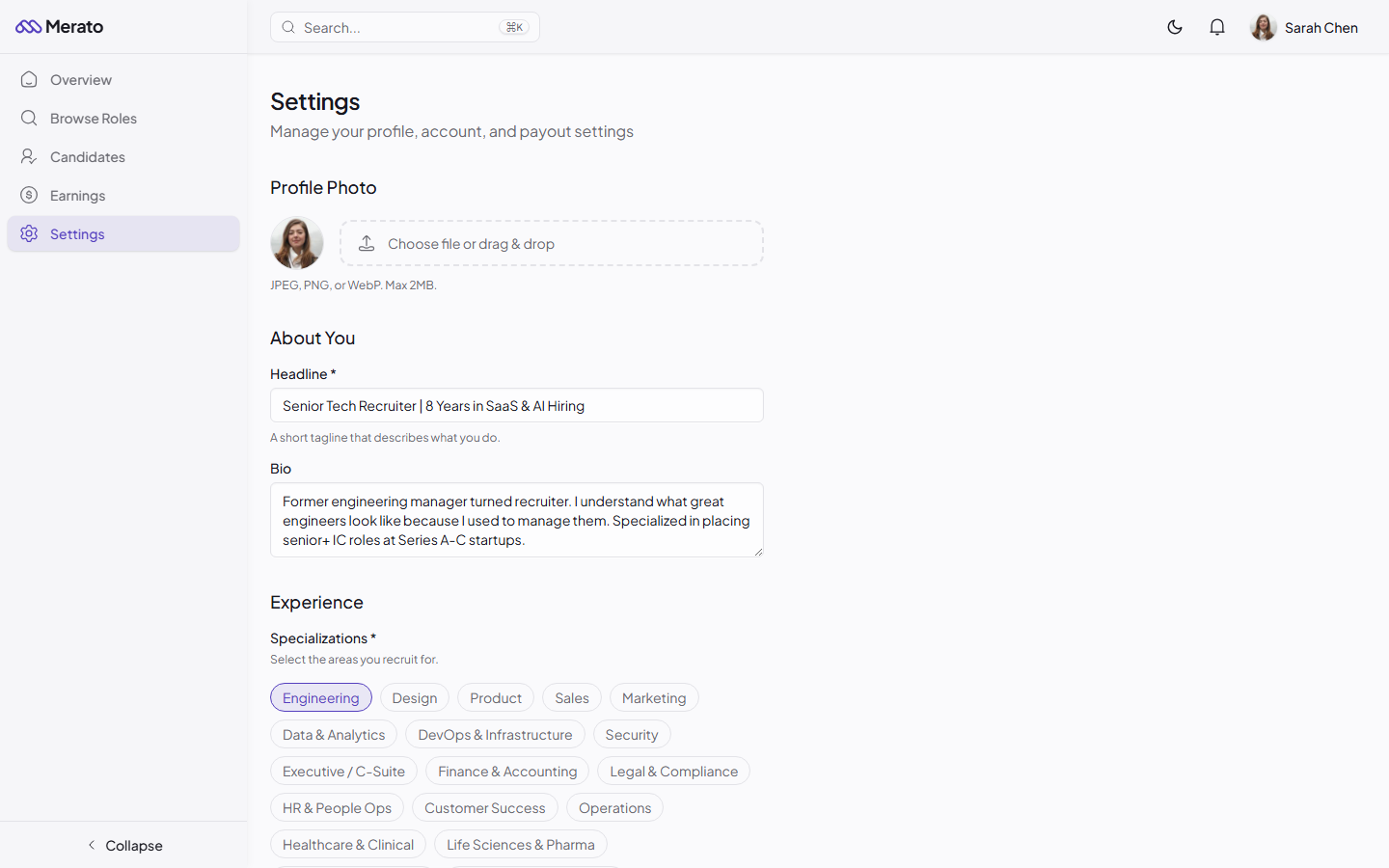
Your recruiter profile is your first impression on the platform. Companies review recruiter profiles before deciding to work with them, so make it count.
Write your headline
A short tagline that describes your recruiting specialty (e.g., "Senior Tech Recruiter specializing in AI/ML engineering").
Add your bio
Describe your recruiting experience, industries you've worked in, and notable placements you've made.
Select specializations
Choose the areas where you have the strongest candidate networks (e.g., Engineering, Design, Product, Sales).
Add your LinkedIn
Link your LinkedIn profile for credibility. Our vetting team reviews this during the approval process.
The Approval Process
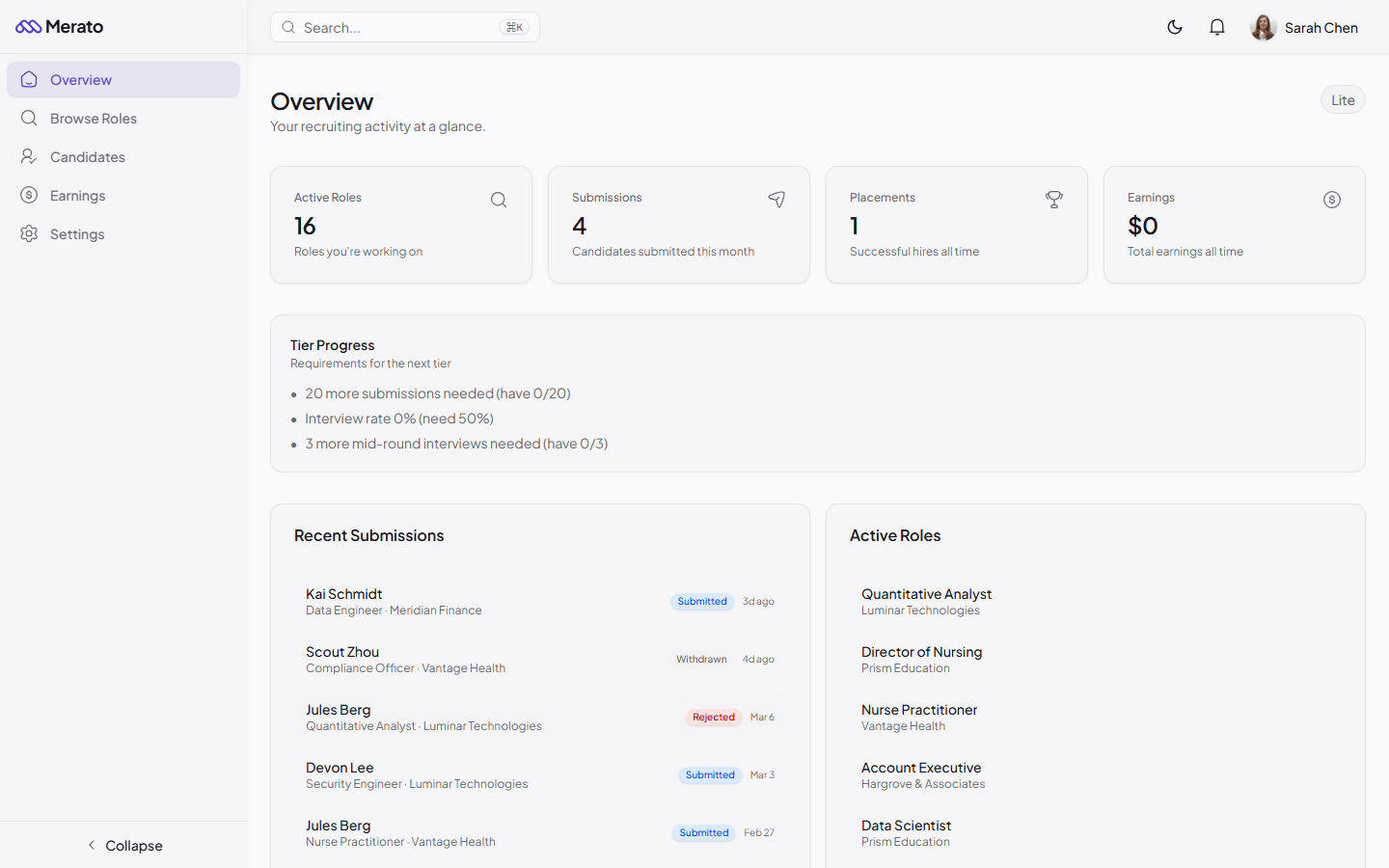
All recruiters go through a vetting process before they can browse and join roles. This ensures companies receive high-quality submissions from experienced professionals.
After submitting your profile, our team reviews your application within 1-2 business days. You'll receive an email notification when your status changes.