Company
Reviewing Candidates in the Pipeline
Use the Kanban pipeline to review, advance, and provide feedback on submitted candidates.
The Candidate Pipeline
Each role has a visual Kanban pipeline showing candidates across hiring stages. Drag and drop candidate cards between columns to advance or update their status.
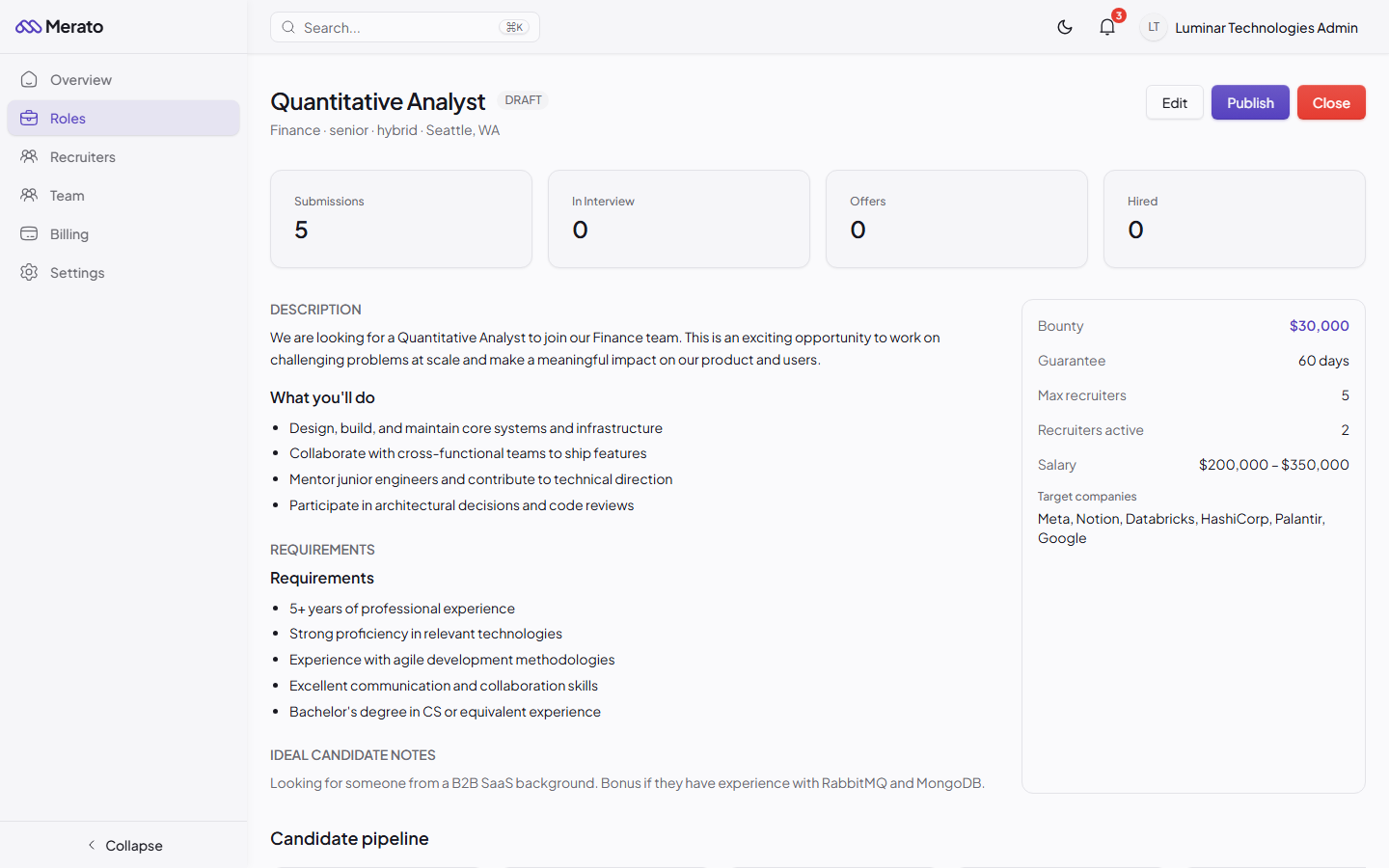
Role detail page showing submission stats, job description, requirements, bounty details, and candidate pipeline section - Screenshot coming soon
- Submitted - New submissions from recruiters, awaiting your review.
- Under Review - You're evaluating the candidate's profile and resume.
- Phone Screen - Initial phone or video interview scheduled or completed.
- Technical Interview - Technical assessment round.
- Onsite Interview - Final-round interview.
- Offer Extended - Offer has been sent to the candidate.
- Hired - Candidate accepted and start date confirmed.
Reviewing a Submission
Click on any candidate card to open the detail panel. Here you'll find:
- The recruiter's pitch note explaining why this candidate is a good fit.
- The candidate's resume (embedded PDF viewer).
- Action buttons to advance the candidate, reject (with reason), or request more information.
- A feedback form where you can write notes back to the recruiter.
- An activity timeline showing all status changes and interactions.
Respond quickly
Recruiters see your average response time. Companies that review submissions within 48 hours attract the best recruiters and get higher-quality candidates.
Was this helpful?