Company
Managing Your Roles
Edit, pause, close, and monitor your role listings from the company dashboard.
Role Statuses
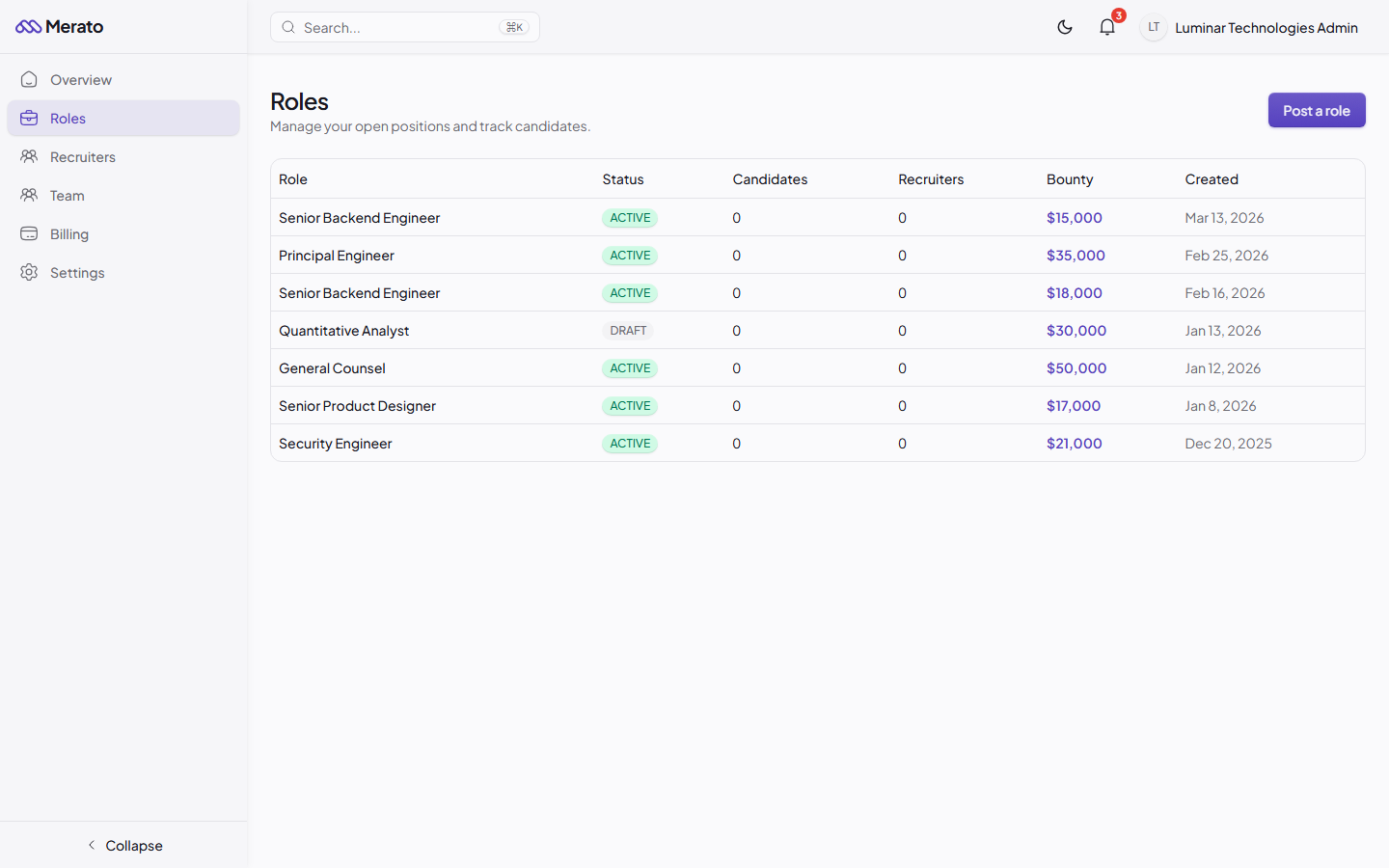
Roles list table showing role title, status badge, candidate count, recruiter count, bounty amount, and creation date - Screenshot coming soon
Each role goes through a lifecycle reflected by its status badge:
- Draft - Saved but not visible to recruiters. Finish editing and publish when ready.
- Active - Live and visible. Recruiters can join and submit candidates.
- Paused - Temporarily hidden from recruiters. Existing submissions remain accessible.
- Filled - A candidate has been hired. The role is no longer accepting submissions.
- Closed - Permanently closed without a hire. All submissions are archived.
Editing and Updating Roles
You can edit any role from the role detail page by clicking the Edit button. Changes to the description, requirements, and compensation are reflected immediately for recruiters.

Role detail page showing status badge, description, requirements, bounty sidebar, and candidate pipeline - Screenshot coming soon
Bounty changes
Changing the bounty amount after recruiters have joined the role will only apply to new submissions. Existing submissions retain the original bounty terms.
Was this helpful?