Posting a Role
Step-by-step guide to creating a new role listing with all the details recruiters need.
Creating a New Role
Posting a role on Merato takes about 5 minutes. The multi-step form guides you through everything recruiters need to source the right candidates.
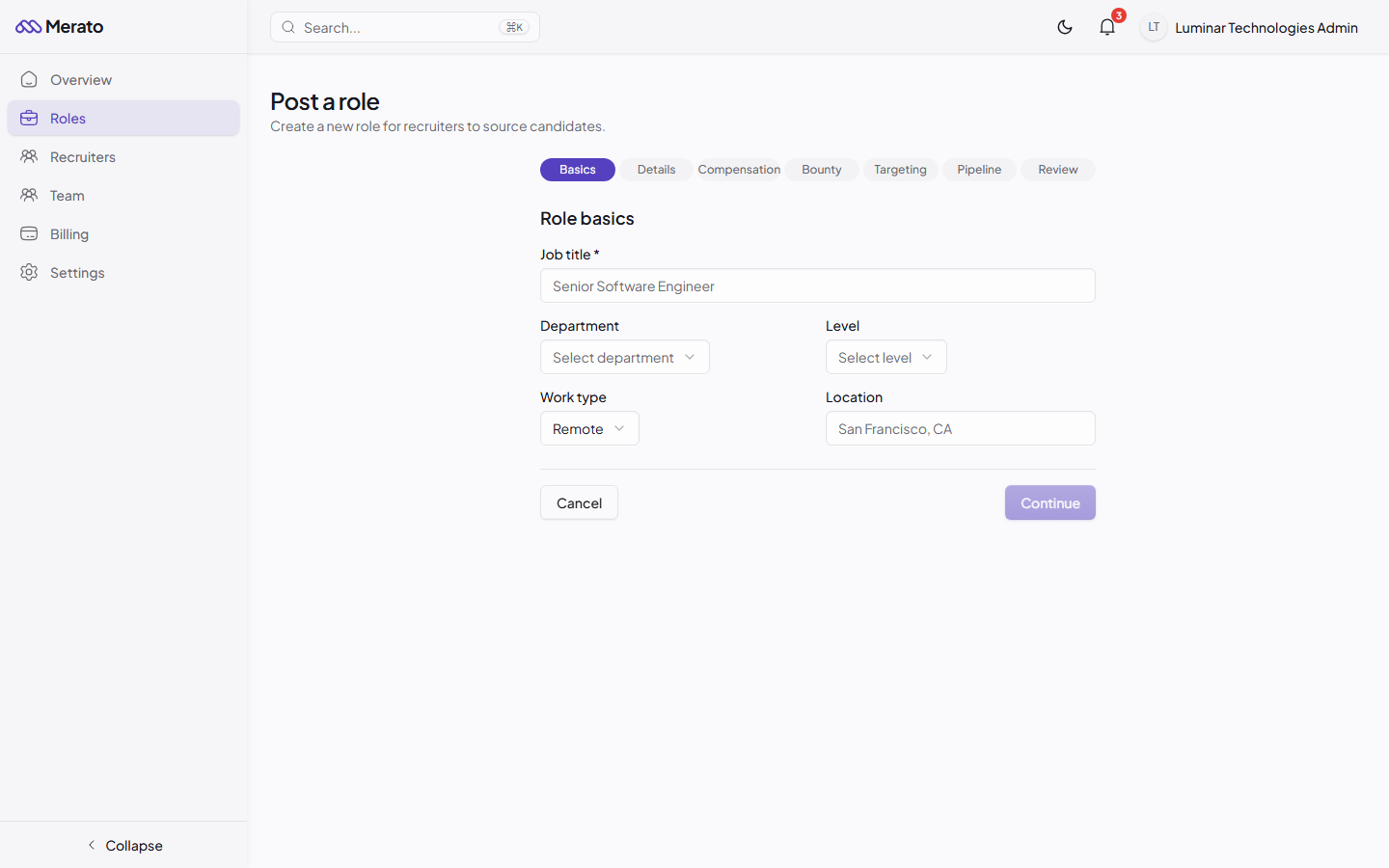
Basics
Enter the role title, department, seniority level, work type (remote/hybrid/onsite), and location.
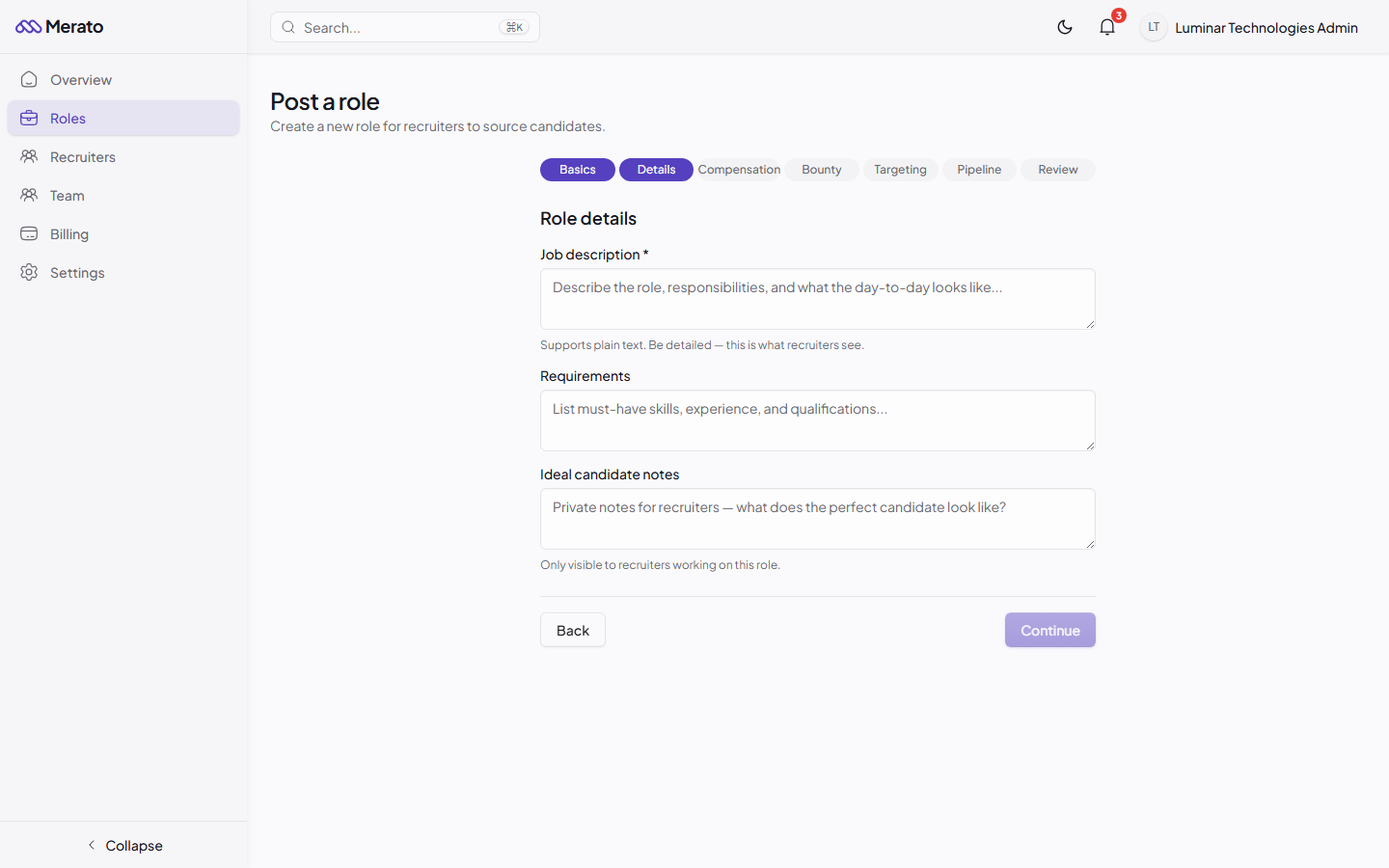
Details
Write a detailed job description and requirements. Use markdown formatting for better readability. Add private notes about your ideal candidate that only recruiters will see.
Compensation
Set the salary range, equity range (if applicable), and indicate whether visa sponsorship is available.

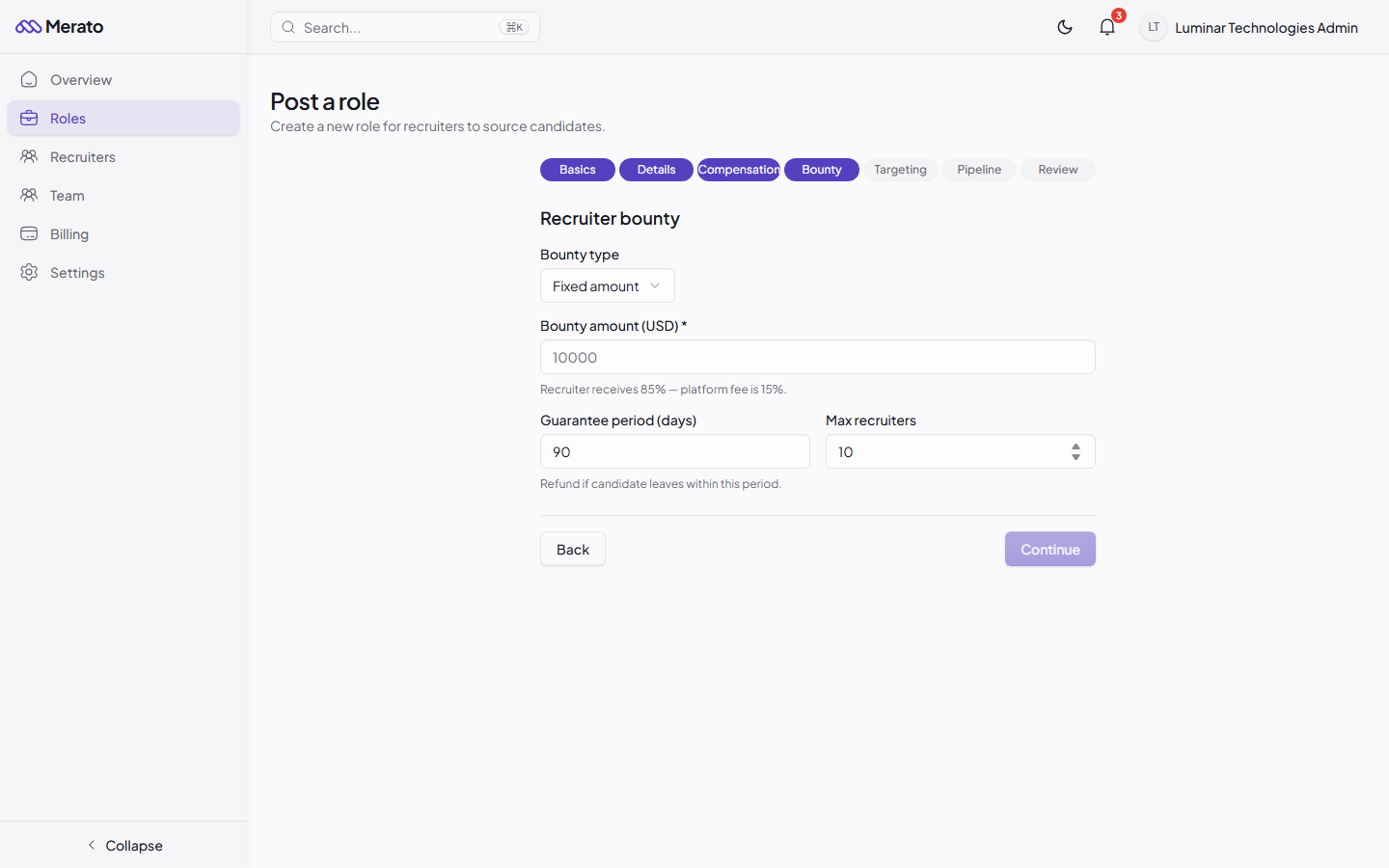
Bounty
Choose a fixed bounty amount or percentage of salary. Set the guarantee period (default: 90 days).
Targeting
List target companies to source from and set the maximum number of recruiters who can work this role.

Review & Publish
Preview your listing and publish it. You can save as draft and publish later.

Writing Effective Descriptions
The quality of your role description directly impacts the quality of candidate submissions. Recruiters use your description to pitch the role to potential candidates.
- Lead with impact - Start with what the person in this role will accomplish, not a company overview.
- Be specific about requirements - Distinguish between must-haves and nice-to-haves.
- Include the "why" - Why is this role open? Why should a candidate leave their current position?
- Add ideal candidate notes - These private notes help recruiters understand exactly who you're looking for.