Creating Your Account
How to sign up for Merato as a company or recruiter, including email and Google sign-up options.
Signing Up
Merato offers two sign-up methods: email and password or Google OAuth. Both options are available from the registration page.
Go to the registration page
Click Get Started in the navigation bar, or go directly to /register.
Choose your role
Select whether you're signing up as a Company (to hire) or a Recruiter (to earn bounties). This determines your dashboard and available features.
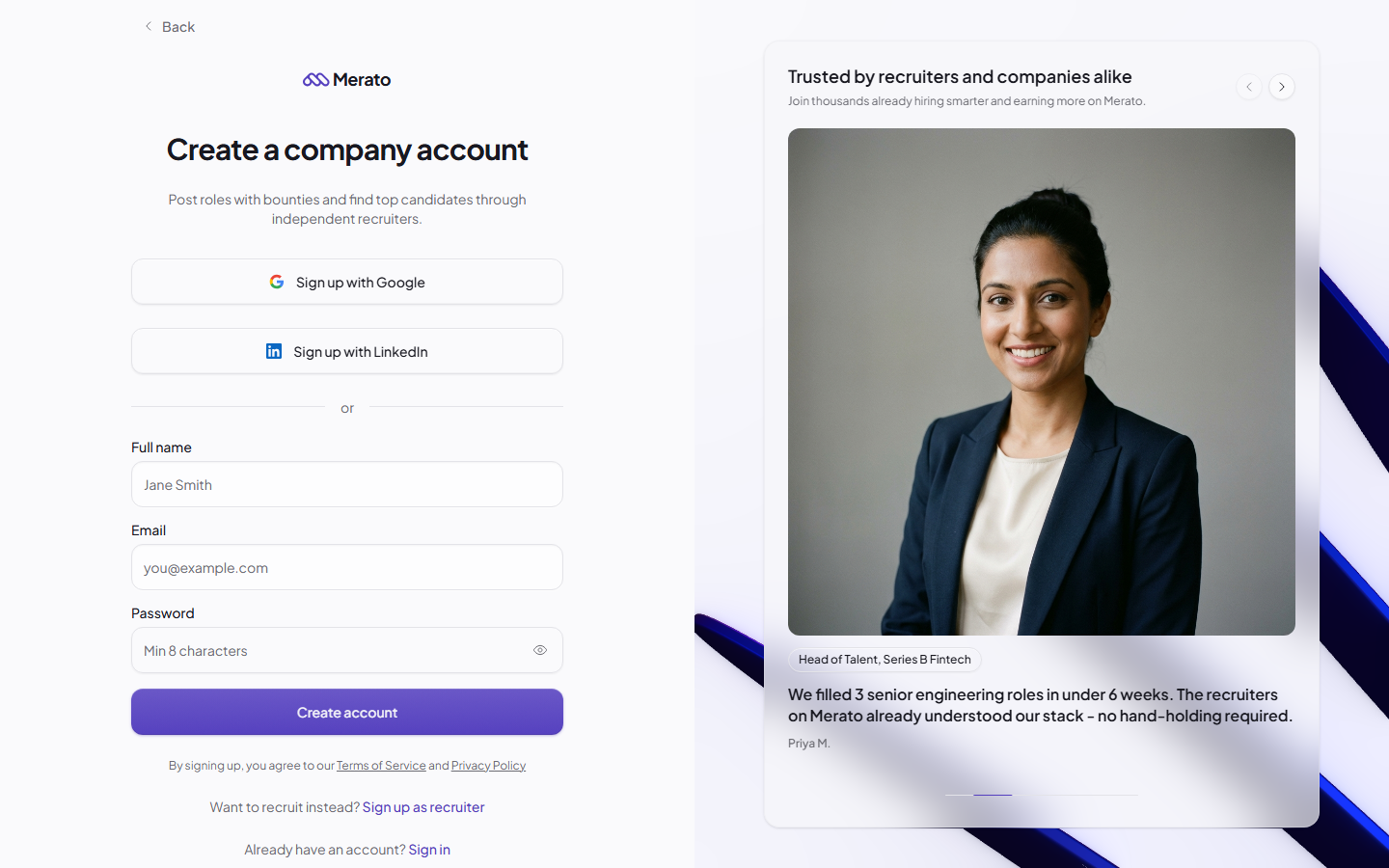
Enter your details
Provide your name, email address, and password - or click Continue with Google for one-click sign-up.
Verify your email
Check your inbox for a verification email and click the confirmation link. You'll need to verify before accessing your dashboard.
Choosing Your Role
Your role selection is permanent and determines which dashboard you'll see. Choose carefully:
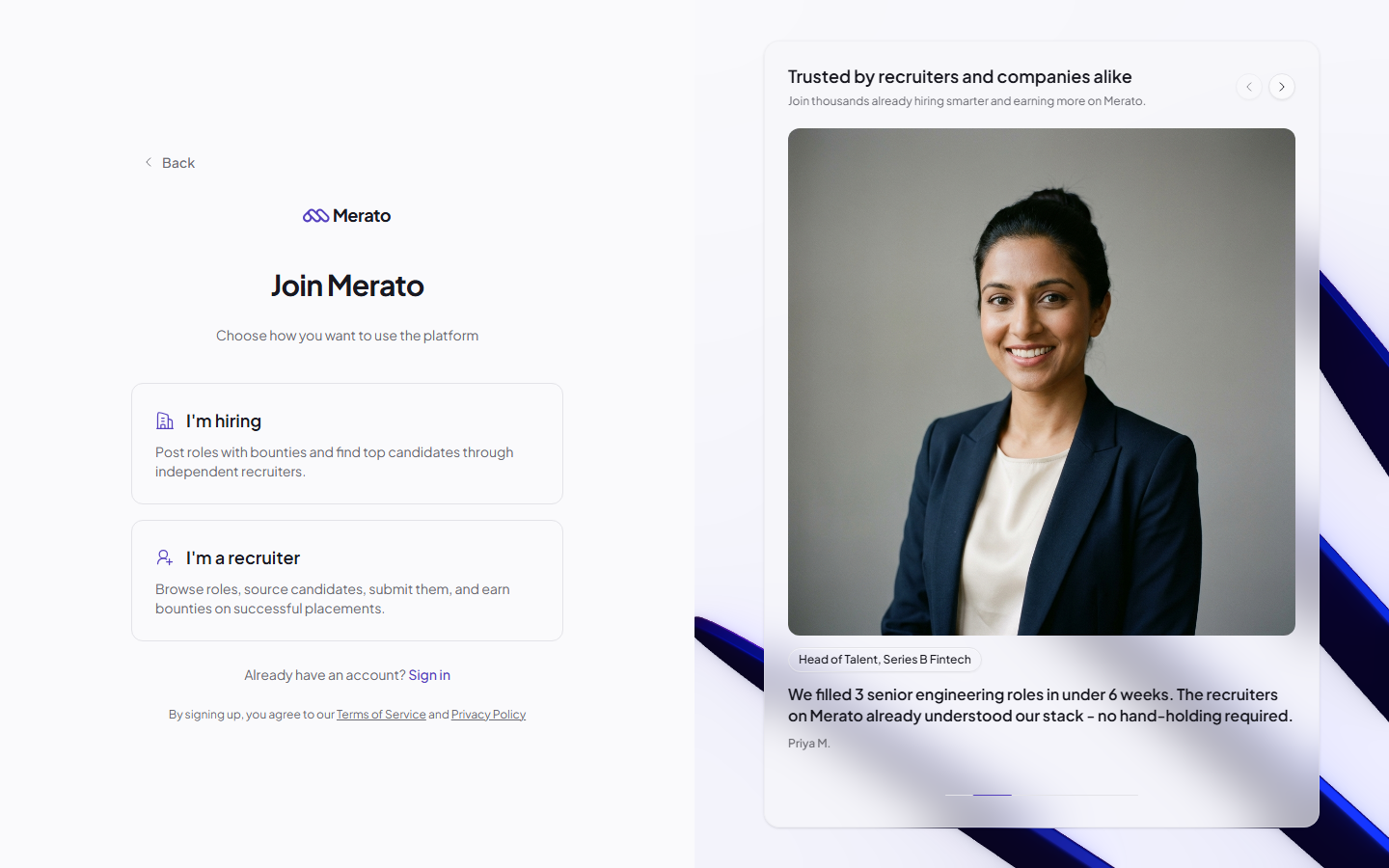
- Company - You'll post roles, set bounties, review candidates, and manage your hiring pipeline.
- Recruiter - You'll browse roles, source candidates, submit them to companies, and earn bounties.