Submitting Candidates
How to submit a candidate to a role, write a compelling pitch note, and handle duplicate detection.
The Submission Flow
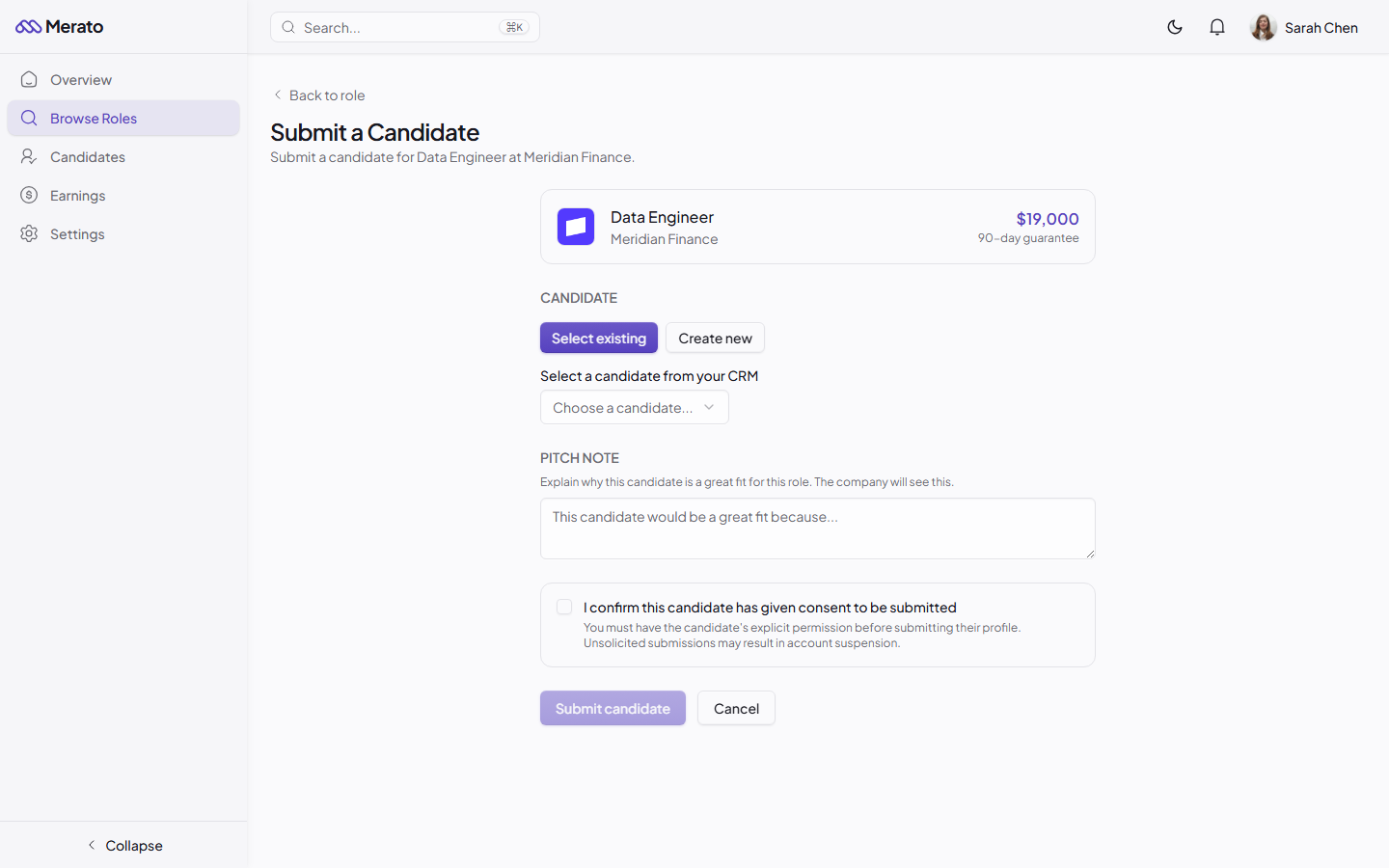
Select or create a candidate
Choose from your existing CRM or create a new candidate profile on the spot.
Upload their resume
Attach the candidate's resume as a PDF. This is stored securely and only shared with the hiring company.
Write a pitch note
Explain why this candidate is an excellent fit for the role. Reference specific experience, skills, or achievements that match the job requirements.
Submit
Review the details and confirm. The company receives an immediate notification about the new submission.
Writing Strong Pitch Notes
Your pitch note is your chance to sell the candidate to the hiring company. The best pitch notes are specific, concise, and address the role's key requirements directly.
Duplicate Detection
Merato automatically checks for duplicate submissions. If another recruiter has already submitted a candidate with the same email address to the same role, you'll see a warning before submitting. The first recruiter to submit a candidate gets credit for the placement.