Recruiter
Tracking Your Submissions
Monitor the progress of your submitted candidates across all roles.
The Submissions View
Your Submissions page shows all candidates you've submitted across all roles. Each submission displays the candidate name, role, company, current status, and when it was last updated.
Filter by status (submitted, interviewing, offer, hired, rejected), role, or date range to quickly find what you're looking for.
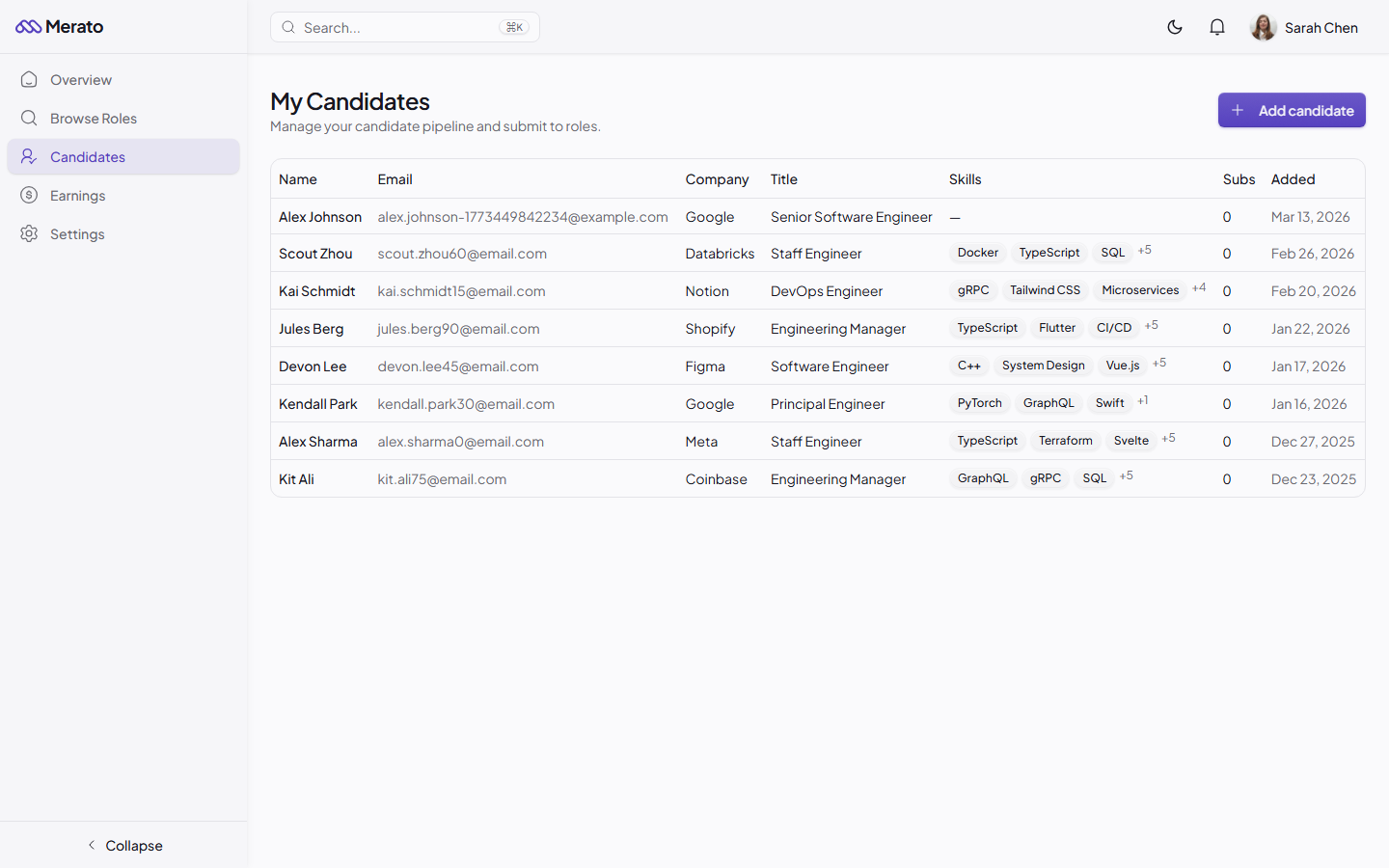
My Candidates page showing a table with candidate names, emails, companies, titles, skills, submission counts, and dates - Screenshot coming soon
Understanding Status Updates
You'll receive real-time notifications whenever a company updates the status of your submission. Each status change also appears in the submission's activity timeline, along with any feedback the company provides.
Company feedback
When a company rejects a candidate, they're encouraged to provide a reason. Use this feedback to improve your future submissions for that company and role.
Was this helpful?