Recruiter
Managing Your Candidate CRM
Add, organize, and manage your candidate database within Merato's built-in CRM.
Adding Candidates
Your Candidates page is a personal CRM for all the talent you've sourced. Add candidates manually through the form, or use the Chrome extension to save profiles directly from LinkedIn.
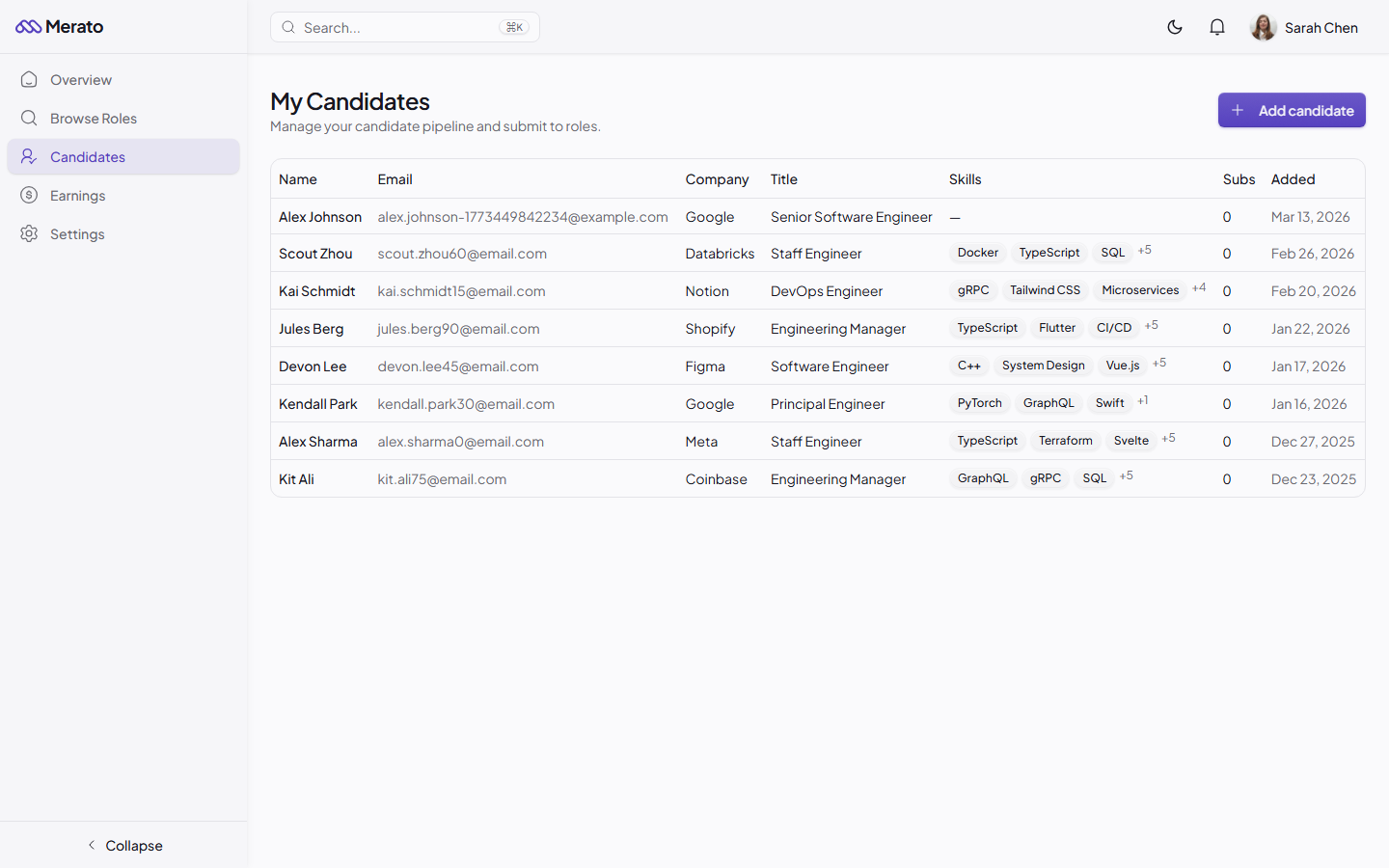
My Candidates page showing a table of sourced candidates with name, email, company, title, skills, submission count, and date added - Screenshot coming soon
Each candidate record includes name, email, phone, LinkedIn URL, resume, current company and title, location, years of experience, skills, and your private notes.
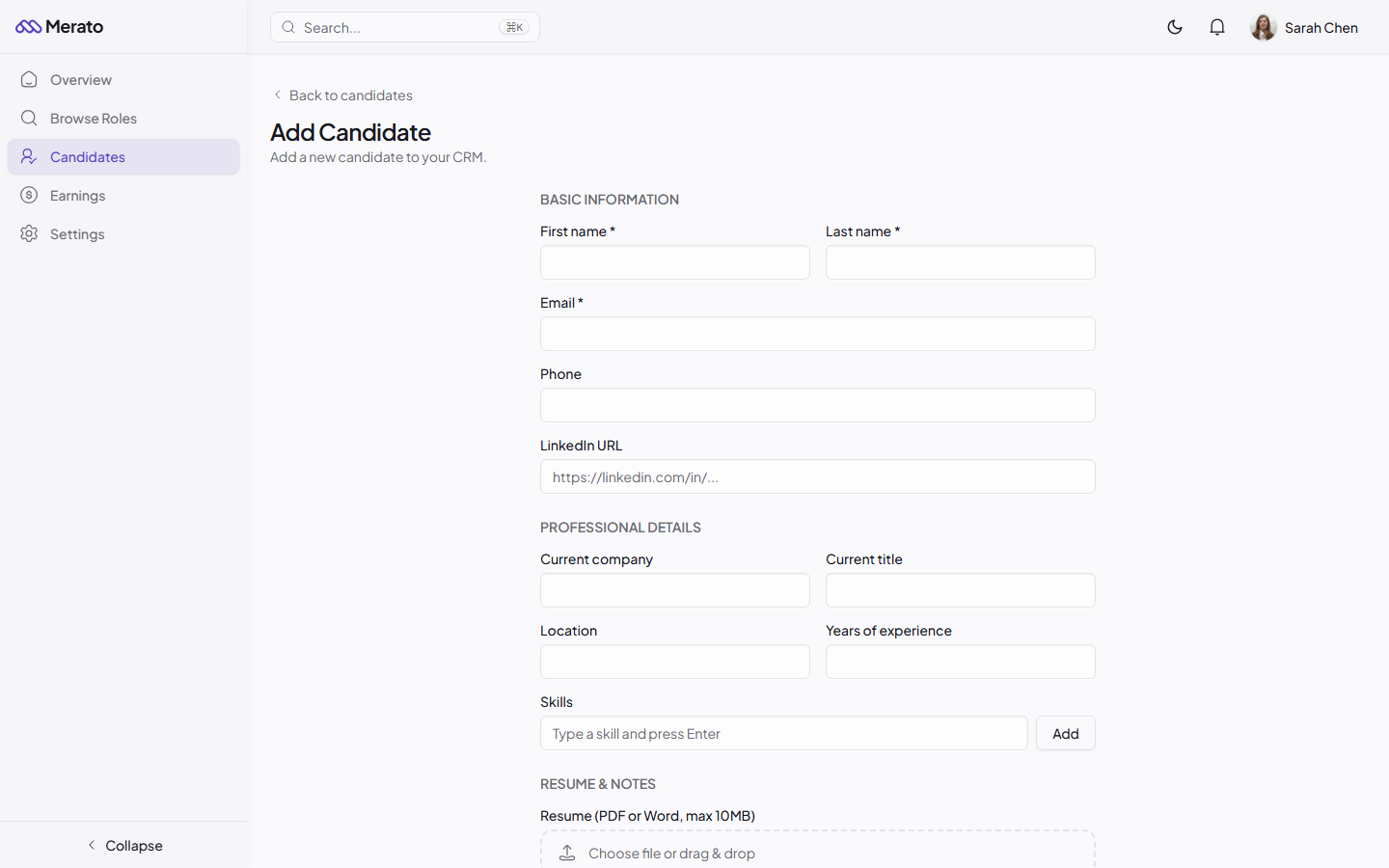
Add Candidate form showing fields for name, email, phone, LinkedIn URL, current company, title, location, skills, and resume upload - Screenshot coming soon
Organizing Your Pipeline
- Search and filter - Quickly find candidates by name, skills, or company.
- Track submissions - See which roles you've submitted each candidate to and their current status.
- Quick submit - Submit any candidate to a role directly from the CRM with one click.
- Private notes - Add notes about candidate availability, salary expectations, or conversation history.
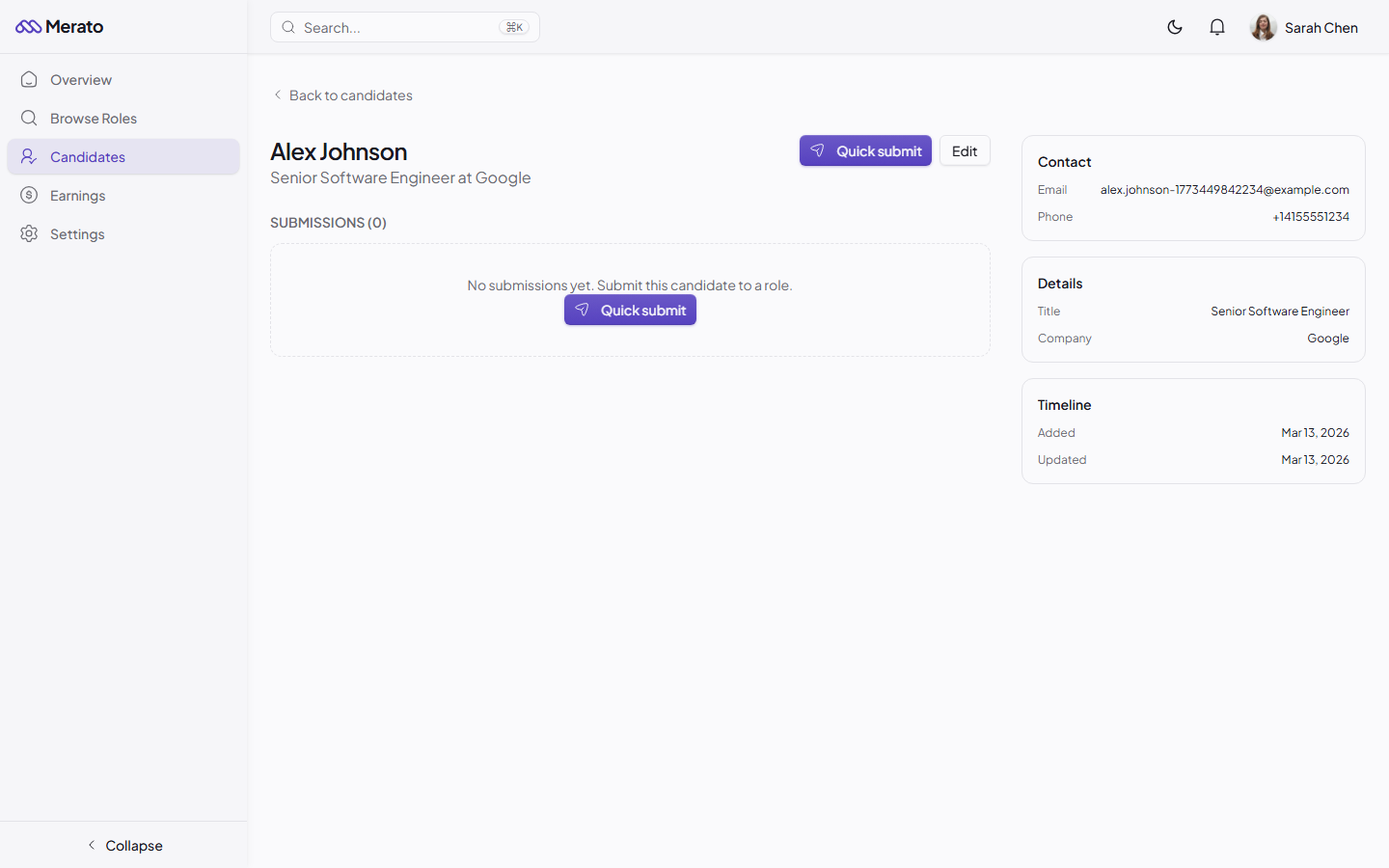
Candidate detail page showing profile information, submission history, and notes - Screenshot coming soon
Was this helpful?