Company
Team Management and Permissions
Invite team members, assign roles to hiring managers, and control access across your organization.
Inviting Team Members
Company accounts support multiple team members. Invite colleagues to collaborate on reviewing candidates and managing roles.
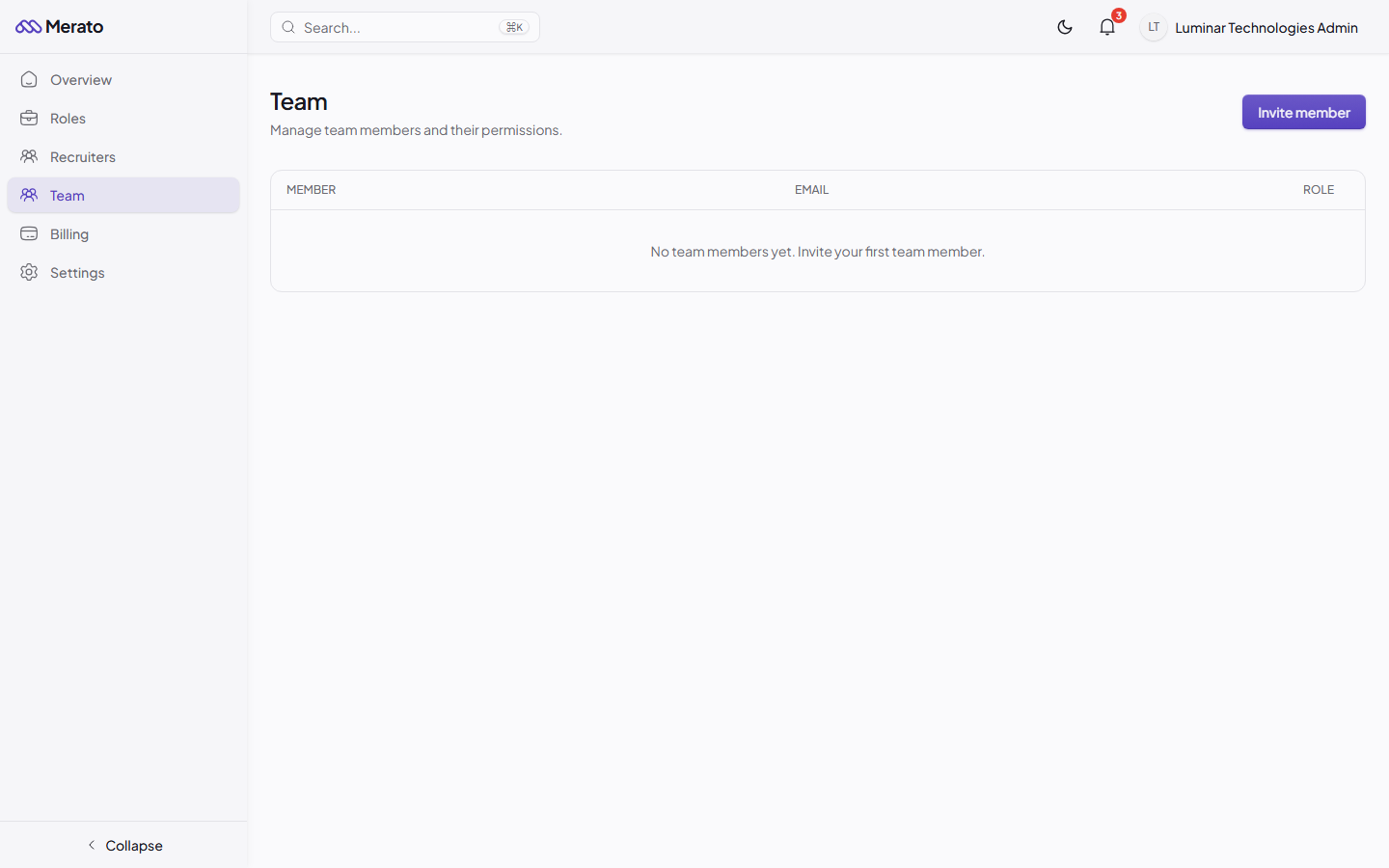
Team management page showing Member, Email, and Role columns with an Invite Member button - Screenshot coming soon
1
Go to Settings → Team
Navigate to your company settings and open the Team tab.
2
Click Invite Member
Enter the email address of the person you'd like to invite.
3
Assign a role
Choose between Admin (full access) or Member (can review candidates but can't edit roles or billing).
Permission Levels
- Owner - Full access, including billing, team management, and account deletion.
- Admin - Can create/edit roles, review candidates, and manage team members.
- Member - Can view roles and review candidates assigned to them. Cannot modify roles or access billing.
Was this helpful?