Recruiter
Setting Up Stripe Connect for Payouts
Connect your Stripe account to receive bounty payouts directly to your bank.
Setting Up Stripe Connect
To receive bounty payouts, you need to connect a Stripe account. Merato uses Stripe Connect for secure, reliable payments.
1
Go to Settings → Payments
Navigate to the payments section in your recruiter settings.
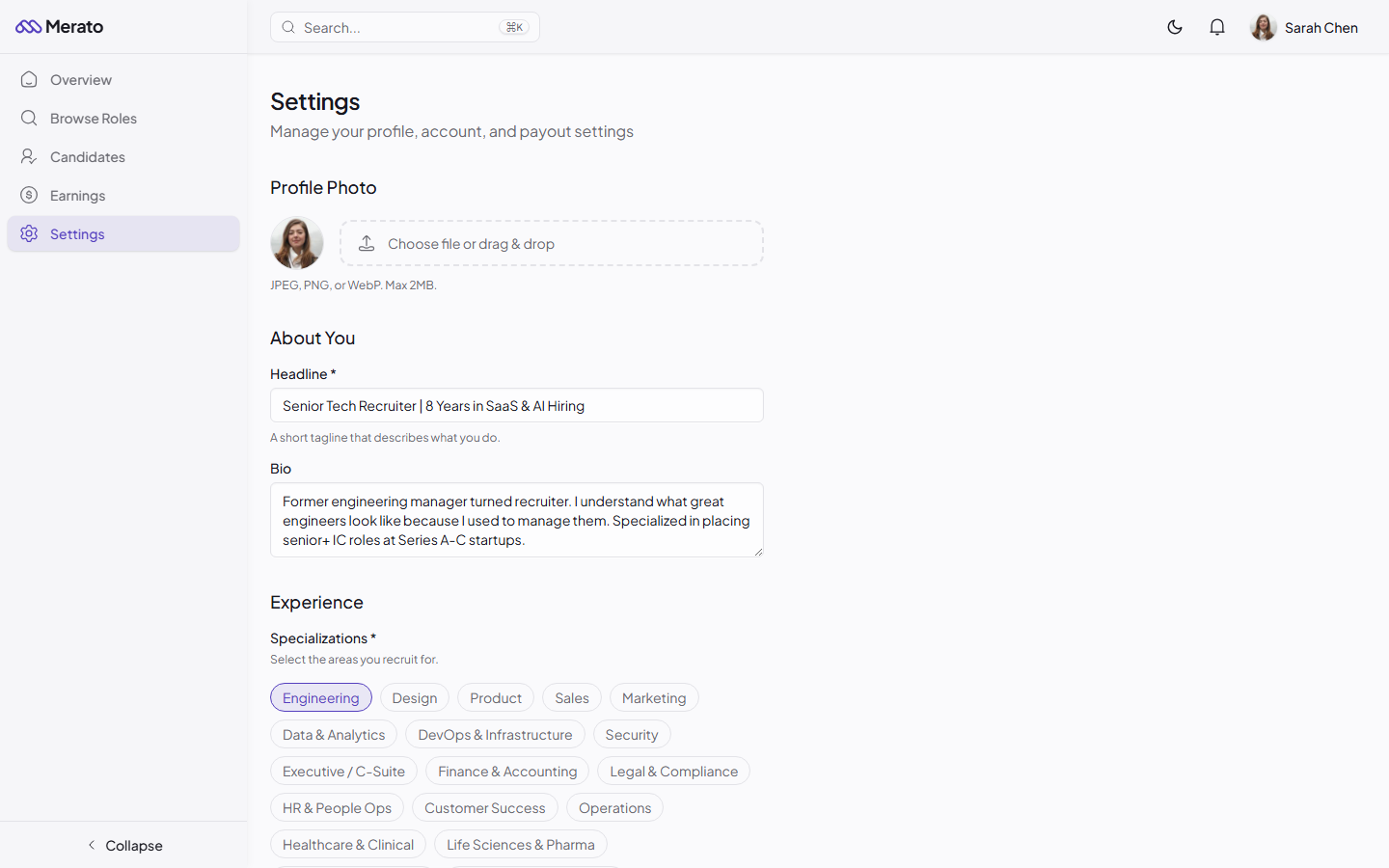
Recruiter settings page with Stripe Connect section showing connection status - Screenshot coming soon
2
Click Connect Stripe
You'll be redirected to Stripe's onboarding flow. If you don't have a Stripe account, one will be created for you.
3
Complete verification
Provide your business or personal details, bank account information, and identity verification as required by Stripe.
4
Return to Merato
After completing Stripe onboarding, you'll be redirected back to Merato with your account connected and ready to receive payouts.
Requirements
What you'll need
A valid government ID, a bank account for direct deposits, and your tax identification number (SSN for US-based recruiters, or equivalent for international recruiters).
Was this helpful?